
How to Get Your Business Named in ChatGPT, Gemini and Perplexity
Three gates decide if AI assistants name your business: access, reading and citing. What to check first, with a real case.
 The Nimblesoft teamnimblesoft.co

- An assistant names the businesses it can reach, read and choose. Three gates, in that order.
- Start with access: a firewall rule can refuse AI bots while your site looks fine in a browser.
- Structured data turns your name, prices and answers into facts a machine reads without guessing.
- Ask the same buyer questions every month, and read brand questions apart from discovery questions.
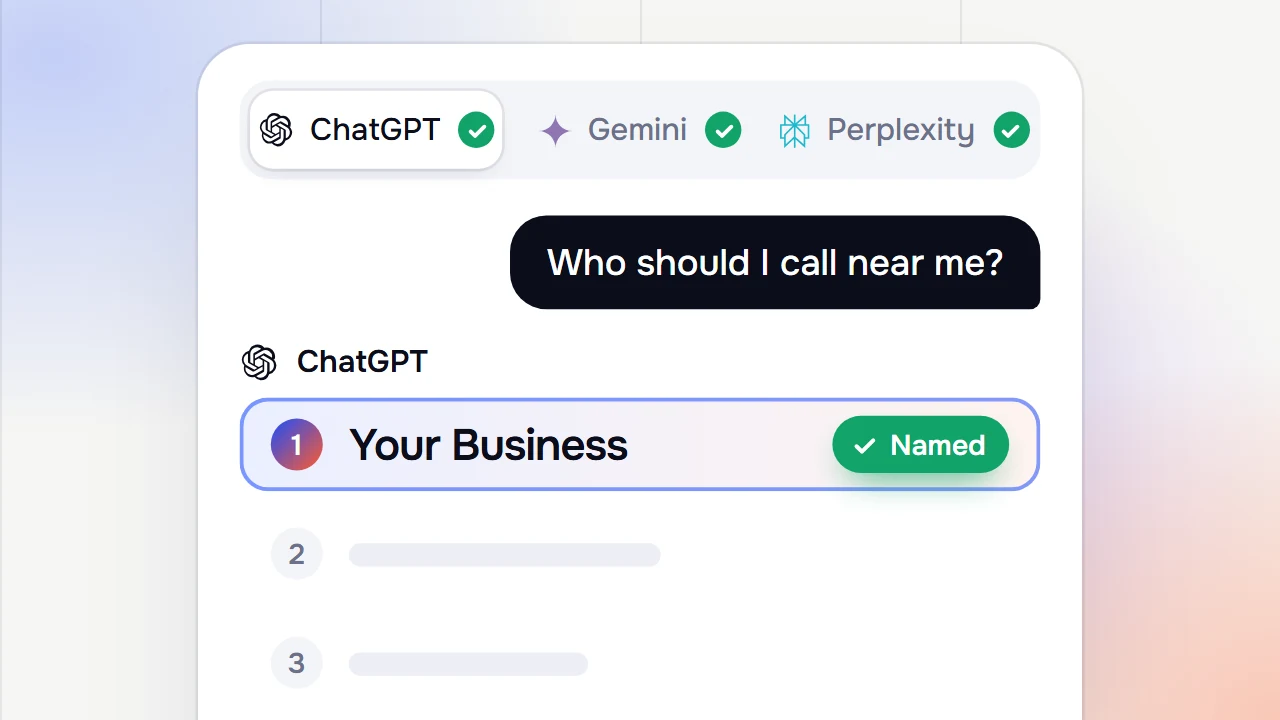
More buyers now ask ChatGPT, Gemini or Perplexity who to buy from. They stopped typing three keywords. They ask a full question and get one answer with a few names in it. This article explains, in plain words, how your business becomes one of those names.
There is no button for it, and nobody can promise you a place in the answer. But a large part of it is in your control, and it starts with your own website.
How an assistant picks the names
An assistant does not invent its answer. It reads pages and repeats what they say: your website, review sites, directories, articles and forum threads. So three questions decide whether you are named. Can it reach your pages? Does it understand what you are? Are you the better answer?

Gate 1: let the bots in
If the bot that answers live questions cannot fetch your page, nothing after this matters. It is the cheapest gate to fix, and the one most often broken without anyone noticing.
Two things usually close it. The first is robots.txt, the file that tells bots what they may read. The second is a firewall rule that refuses some bots before they reach your pages. A browser never shows you that second one, because you are not a bot.
A real case: the block a browser hides
On a client's store, every page loaded fine in a browser. Perplexity still did not name the business. When we fetched the home page as PerplexityBot, it got 403 Forbidden. Cloudflare's own count showed every PerplexityBot request refused.
One rule changed in Cloudflare, and the bot got 200. The fix was one setting: Training switched from Disallow to Allow. The morning after, the first allowed requests came in.

What to check at this gate:
- Read your robots.txt and make sure every block in it is one you chose on purpose.
- Fetch your key pages as a bot, not only in a browser. You want 200 with visible text.
- Open Search Console and check that your key pages are in Google's index. Do the same in Bing Webmaster Tools.
Search Console belongs here because a page Google cannot read is usually hard for the assistants too. Checking every door as each AI bot sees it is the first thing our AI Visibility service does.
Gate 2: make your facts readable
A page a machine can fetch but can't understand is no better than a page it never fetched.
Nimblesoft Academy, the AI Visibility course
This gate is where your name, prices, stock and answers become facts a machine reads without guessing. That is the job of structured data, a short record most website plugins already write for you. Three records matter most:
- Organization: your company record, with your name and links to your profiles on other sites.
- Product: price, currency, availability and brand, the same as the page shows.
- FAQ: short answers to the questions buyers really ask, word for word.
Check each one in Google's Rich Results Test. On WordPress, Shopify or any other platform, the idea is the same. Only the clicks change.
Gate 3: be the better answer
Your page can be reachable and readable and still not be chosen, because someone else answered the question better. This gate is the slowest, and the only one that needs writing.
- Product pages an assistant can quote without guessing: price, stock, specs and use.
- Category pages that answer which one do I need, and where do I get it, before the product grid.
- Articles with the answer in the first sixty words, and every claim backed.
- A comparison page that names real alternatives and admits where you lose.
Your own site is only part of it. Assistants also read what others say about you: review sites, directories, forums and videos. Collect honest reviews, keep your listings complete and the same everywhere, and show up where your buyers already ask, under your own name.
Tick what is true for your site today. The first gate with a gap is where the answer stops.
Measure it the same way every month
Pick a fixed set of buyer questions and ask the assistants the same ones every month. Because the questions never change, this month can be compared with the last. We use Echod for this. It asks ChatGPT, Gemini, Perplexity and Google's AI answers the same questions, and records who gets named and which sources they read.

Split the questions into two lists, because they do two different jobs:
- Brand defence: questions from people who already know your name. A high score is the norm, not a win. Watch for a wrong fact or a hedge.
- Discovery: questions from people who have never heard of you. Zero at the start is normal. A topic at zero means a page is missing.
Never average the two into one number. One brand topic at 95% and seven discovery topics between 0% and 8% average about 14%. That number describes nothing that exists.
Then make one fix a month. Four half-finished changes give you a flat line and teach you nothing.
Do it yourself, or let us do it
If you want to learn it step by step, our AI Visibility course on Skool takes you through all three gates on your own site. If you would rather have it done, the AI Visibility service does the work and reports to you every month in plain words.
Either way, start with the first gate. It is the cheapest to fix, and it may be the one that is quietly closed today.
Keep reading.
Insights → MarketingWhy Your Business Needs a Marketing FunnelWhy a funnel matters for growth, and how to build one that turns leads into loyal customers.Read the article
 AI and designAI Transforming Web DesignSmarter tools, personal experiences and faster work: how AI is shaping the way websites are made.Read the article
 Websites5 Simple Ways to Boost Your Website's SpeedFive easy fixes for a faster site: lighter images, fewer requests, caching, a CDN and cleaner code.Read the article
Hear from happy customers.
★★★★★ 100% positive feedback on Upwork★★★★★They completed the project with not one single problem. They were available to discuss and plan ahead. I do recommend them and I will be working with them in the future. Their knowledge of web design and SEO is impressive.
Upwork
★★★★★Nimblesoft knows e-commerce inside and out. Our website was outdated, and sales were dropping. After they stepped in, we saw huge improvements in both the look of the site and the number of orders we were getting. Their work made a real impact on our business.
Upwork
★★★★★Nimblesoft has helped our business a lot! There was no task or problem they couldn't solve for us within ClickFunnels. They also overdelivered as they provided me with some great tips regarding my business! After their work, our sales nearly doubled, and the website looks great too.
Upwork
★★★★★We had Nimblesoft redesign our e-commerce site, and it's been a game-changer. Their team is super knowledgeable about what makes a website not only look good but also convert visitors into customers. Since working with them, our sales have increased by 40%.
Upwork
★★★★★Nimblesoft are absolute pros and it was a pleasure to work with them. Their attention to detail and care was exemplary and we will be working with them again soon on new projects. Highly recommend them! Our online sales have gone up by 30%, and the site is much faster and easier to use.
Upwork
★★★★★Nimblesoft really helped us understand what our e-commerce site was missing. Their expertise in web design and online sales is clear. Our new site is not only beautiful but also gets results. We're seeing more traffic, and our sales have improved by 25%.
Upwork

Ready to turn visitors into customers?
Book a free Nimble Audit. In 15 minutes we show what holds your site and ads back, then send a 45-day plan.